Project Life Freebies: Printable Journaling Cards for Your Pocket Pages
A Project Life freebie is a small printed card, usually 3 by 4 inches or 4 by 6 inches. It might have a bold title word, a few lined rows for journaling, or a block of pattern in seasonal colors. These cards are free printables meant to be printed at home, cut out and slipped into Project Life albums next to everyday photos.
Project Life is a pocket-style scrapbooking system created by Becky Higgins in 2009. You don’t glue a layout together on a blank page. Photos and cards drop into clear pocket pages, so adding a homemade card to a spread takes a few minutes and some scissors.
The design: sizes, wording and layout
Card size comes first, because each card has to fit a pocket. Project Life photo pocket pages come with 3 x 4 inch, 4 x 6 inch and 6 x 6 inch pockets, depending on the design. Some pages also hold 4 x 4 inch cards. The pages fit most 3-ring 12 x 12 inch binders as well as Project Life albums.
- 3 x 4 inch cards stand vertically in the smaller pockets. They work well for one word (“hello,” “summer,” “this week”), a date, or a few short lines of notes.
- 4 x 6 inch cards sit horizontally in the photo-sized pockets. Use them for a title card at the start of a month, or for longer journaling.
- Grid or lined cards have light lines that keep handwriting straight. They also make a background for small photos or memorabilia.
Most freebie sets combine three kinds of card: filler cards with only a pattern, title cards with large words, and journaling cards with lines or a grid. Pick a small color palette, two or three colors plus white, so the cards match each other across a spread.
How to make your own cards
- In any design app or word processor, start a letter-size page (8.5 x 11 inches) in portrait orientation.
- Draw rectangles exactly 3 x 4 inches or 4 x 6 inches. Four 3 x 4 cards fit on a page in a two-by-two grid with margin left over. Two 4 x 6 cards stack on one page.
- Add your design inside each rectangle: a pattern fill, a title in a large font, or evenly spaced lines for writing. Leave about a quarter inch of plain border so nothing important gets lost when you trim.
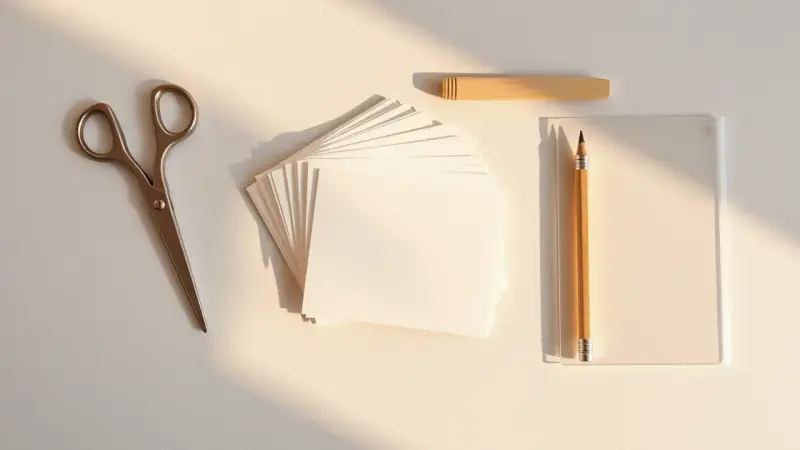
- Print on white cardstock or heavy matte paper. Do a test print on plain paper first and check the size with a ruler.
- Trim along the lines with a paper trimmer, or a craft knife and ruler on a cutting mat. Ask an adult to help children with blades.
- Slide each card into its pocket. If it’s tight, shave a sliver off one edge.
A paper trimmer gives straighter edges than scissors, and straight edges matter when a card sits in a clear pocket next to a store-bought card. Make one card at the size you want, then copy and paste it so every card on the sheet matches exactly.
Ways to use them in an album
- Monthly or weekly title cards: a 4 x 6 card with the month name or the week’s dates goes in the first pocket of a spread.
- Holiday and seasonal fillers: pattern cards in holiday colors fill empty pockets on pages for Halloween, Thanksgiving, Christmas or a summer trip.
- Journaling cards: lined 3 x 4 cards hold short stories, quotes from kids, or a list of what happened that day.
- Memorabilia backers: a plain or grid card behind a ticket stub, receipt or small photo keeps it from sliding around in the pocket.
- Event pages: cards with the name and date of a birthday party, a first day of school or a recital mark the start of that set of photos.
Homemade freebies mix easily with Project Life core kit cards, which come in the same 3 x 4 and 4 x 6 sizes. Write the journaling with a fine-tip pen before you slide the card into its pocket, and let the ink dry first so it doesn’t smear on the plastic.
I used one search to confirm the card and pocket sizes and the 2009 start of Project Life. What the original freebie cards looked like isn’t known, so the design section sticks to general ideas. I didn’t confirm a recommended paper weight, so the piece just says “cardstock or heavy matte paper.” This piece follows the structure your rules set for printable pages (design, how to make your own, ways to use it), so it has no FAQ. It comes to about 590 words.